

7 AI Tools for Professional Headshots
Your headshot is often the first impression you make in the professional world. But booking a studio session can be time-consuming and expensive, with costs ranging from $200 to $500. AI headshot generators now offer a faster, more affordable alternative, delivering professional-quality photos for as low as $8.99. Whether you need a polished LinkedIn profile picture or team headshots for your company, these tools streamline the process, saving you time and money.
Here’s a quick rundown of seven AI headshot tools:
- Pingram.ai: Affordable subscriptions ($8.99/week or $44.99/year) with fast processing and up to 2,880 photos annually.
- MyEdit: Free or $8.99/month for quick, basic edits.
- YouCam Online Editor: Offers AI-generated headshots from selfies or text prompts, starting at $12.
- Canva: Combines headshot creation with design tools, starting at $8.99/month.
- Aragon: One-time payment options from $12, delivering up to 40 high-quality headshots.
- HeadShotPro: Tailored for teams, with packages starting at $29 for 120+ headshots.
- BetterPic: Premium service with AI and human editing, starting at $35.
These tools vary in speed, pricing, and customization options, catering to different needs. Below is a comparison to help you choose the right one.
Quick Comparison
| Tool | Min. Photo Uploads | Processing Speed | Output Volume | Starting Price | Pricing Model | Customization Options |
|---|---|---|---|---|---|---|
| Pingram.ai | 8–10 | 4–8 minutes | 60–2,880 photos | $8.99 | Subscription | 35+ styles, built-in editor |
| MyEdit | 1 | ~10 minutes | Multiple | Free | Free/$8.99/month | Limited |
| YouCam | Varies | Moderate | Multiple | $12 | One-time payment | 70+ styles |
| Canva | Varies | Moderate | Multiple | $8.99/month | Subscription | Extensive design tools |
| Aragon | 12–20 | ~30–90 minutes | 40+ | $12 | One-time payment | Outfit/background options |
| HeadShotPro | 8–20 | ~2 hours | 120+ | $29 | One-time payment | Team-focused features |
| BetterPic | Varies | <60 minutes | Varies | $35 | One-time payment | Includes human editing |
These tools make professional headshots accessible to everyone, whether you're on a budget or need team-wide consistency.
1. Pingram.ai
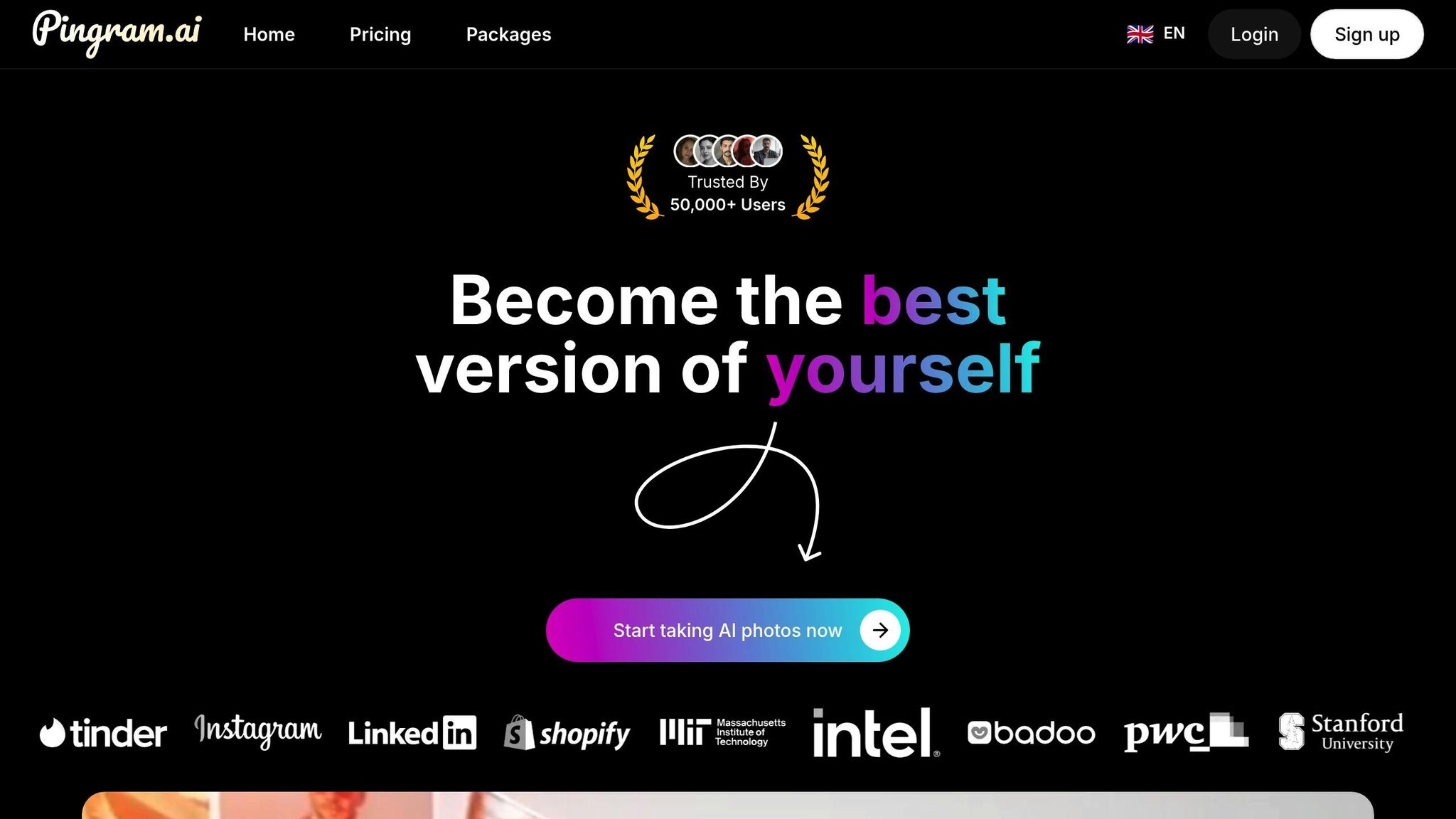
Pingram.ai transforms your everyday selfies into lifelike headshots using a customized AI model designed to reflect your distinct features.
Photo Upload Requirements
Getting started is simple. Upload 8–10 high-quality selfies in JPG, PNG, or WebP formats. Make sure the photos are taken from various angles and under different lighting conditions. To achieve the best results, avoid using filters, wearing sunglasses or hats, or including other people in the shots.
Processing Time
The time it takes to train your personalized model depends on the plan you choose. With the Weekly plan, it’s done in just 8 minutes. The Yearly plan offers even faster processing, completing the task in only 4 minutes, thanks to priority rendering.
Output Quality and Quantity
Each order generates 3–6 photorealistic headshots, featuring diverse backgrounds and poses. Plus, every headshot comes with full commercial usage rights, giving you the freedom to use them however you like.
"Incredible service! The AI-generated photos are indistinguishable from real professional shots. Fast delivery and great quality." - Michael K.
Pricing and Plans
Pingram.ai offers two flexible plans to suit your needs:
- Weekly Plan: $8.99 per person, which includes 60 photos and access to 35+ packages.
- Yearly Plan: $44.99 per person, delivering 2,880 photos, priority rendering, and early access to new features - breaking down to about $3.75 per month.
Both plans come with a built-in photo editor, mobile compatibility, and full GDPR-compliant privacy measures.
"Best investment for my personal brand. The photos look stunning and helped me stand out on social media. Highly recommend!" - Emma L.
Up next, we’ll take a closer look at another AI-powered tool that’s reshaping the way professional headshots are created.
2. MyEdit
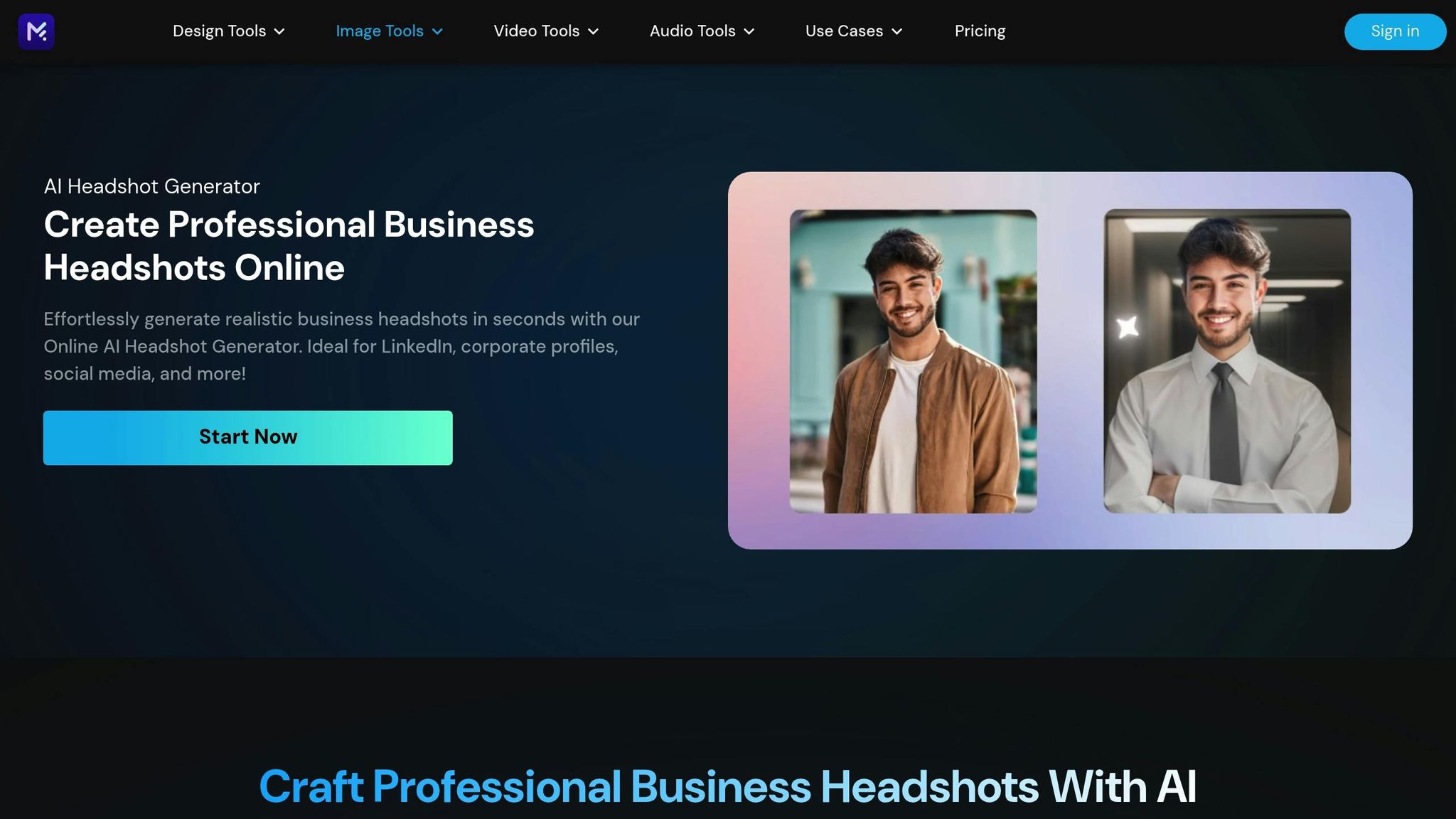
MyEdit is an online photo editor that leverages AI to fine-tune portraits. While it functions as a general editing tool, it also has the ability to give selfies a polished, professional appearance - making it a potential option for quick headshot improvements.
However, specifics like photo upload guidelines, processing speed, output options, and pricing for headshot edits aren’t clearly outlined. To see how well it works for headshots, users might need to try it firsthand. Up next, we’ll look at a tool specifically designed for editing headshots online.
3. YouCam Online Editor
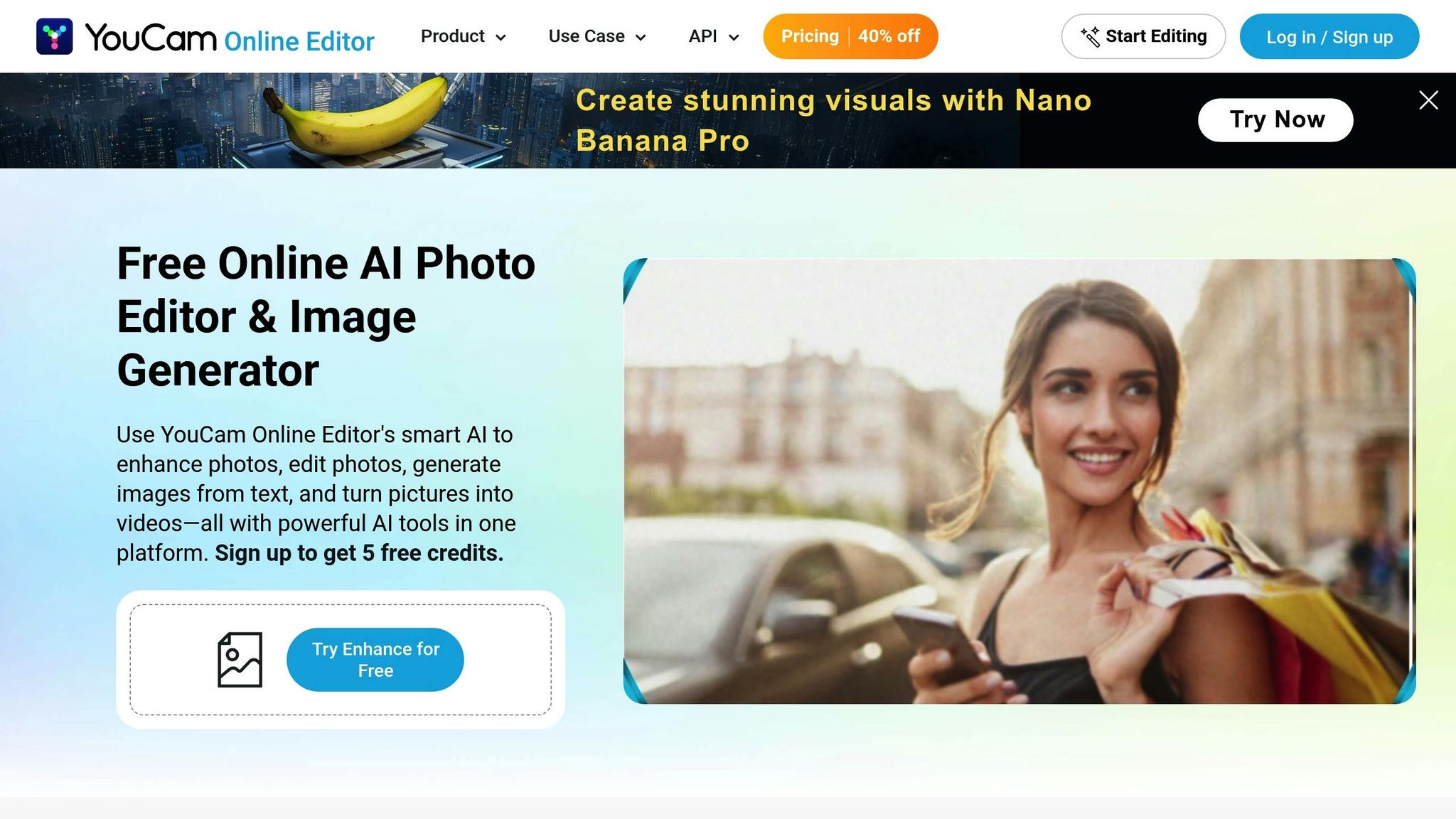
YouCam Online Editor goes beyond basic editing tools, offering smart options to create standout headshots.
This platform provides two ways to craft headshots: you can either upload a selfie or use text prompts to generate one. Thanks to this dual approach, YouCam has earned the title of "Best for Text-to-Image & Image-to-Image Headshot Creation", along with a perfect 5/5 rating for headshot generation.
With 70 style options ranging from classic to bold, YouCam's AI handles details like adjusting natural lighting and setting professional backgrounds. The best part? You don’t need to be a photography pro to get polished results.
Photo Upload Requirements
You can upload a single selfie or use a text prompt - no need for a large photo library. This flexibility sets YouCam apart from other tools that often require multiple images to get started.
Processing Time
Designed with mobile users in mind, the platform delivers results fast, making it a great choice if you're short on time.
Output Quality and Quantity
YouCam generates high-resolution headshots that stand out for their accurate details, natural lighting, and adaptable backgrounds. Whether you need a professional photo for LinkedIn, a resume, or a corporate profile, YouCam provides multiple variations, so you can pick the one that best fits your personal brand and industry.
Pricing and Plans
YouCam Online Editor operates on a freemium model. Basic features start at $12, while premium plans are available at $15 for the Standard tier and $25 for the Executive tier. This setup allows you to explore the platform’s features for free before deciding to upgrade for more advanced options.
4. Canva

Canva takes its well-known design tools to the next level by offering an AI-powered headshot generator. This feature allows you to create professional-looking headshots that seamlessly integrate into your design projects. Whether you're updating your resume, creating a LinkedIn banner, or designing business cards, Canva lets you handle everything in one place. The headshot generator has received a flawless 5/5 rating for its quality and ease of use.
The platform's AI enhances lighting, adjusts backgrounds, and refines details automatically. Plus, Canva’s intuitive drag-and-drop editor gives you full control to tweak your headshots to match your personal or brand style.
Photo Upload Requirements
Canva makes headshot creation simple with its user-friendly templates. These templates are specifically designed to help you create polished, professional headshots with minimal effort. The exact photo upload requirements depend on the template or method you choose, ensuring flexibility to meet your needs.
Output Quality and Quantity
The AI generator delivers headshots with a polished, professional finish, perfect for corporate websites, email signatures, or online profiles. Canva’s tools ensure your headshots align with your brand’s image. After generating your photos, you can use the drag-and-drop editor to fine-tune them further. This flexibility is especially handy for creating consistent headshots for an entire team.
Pricing and Plans
Canva uses a freemium model, making it accessible to a wide range of users. The free version offers basic headshot generation tools, great for trying it out. For those looking for more advanced options, the Pro+ subscription starts at $8.99 per month. This plan unlocks Canva’s full suite of design tools, providing a more comprehensive experience. Since Canva is browser-based, you can create and edit headshots from any device with internet access, adding convenience to its list of perks.
5. Aragon
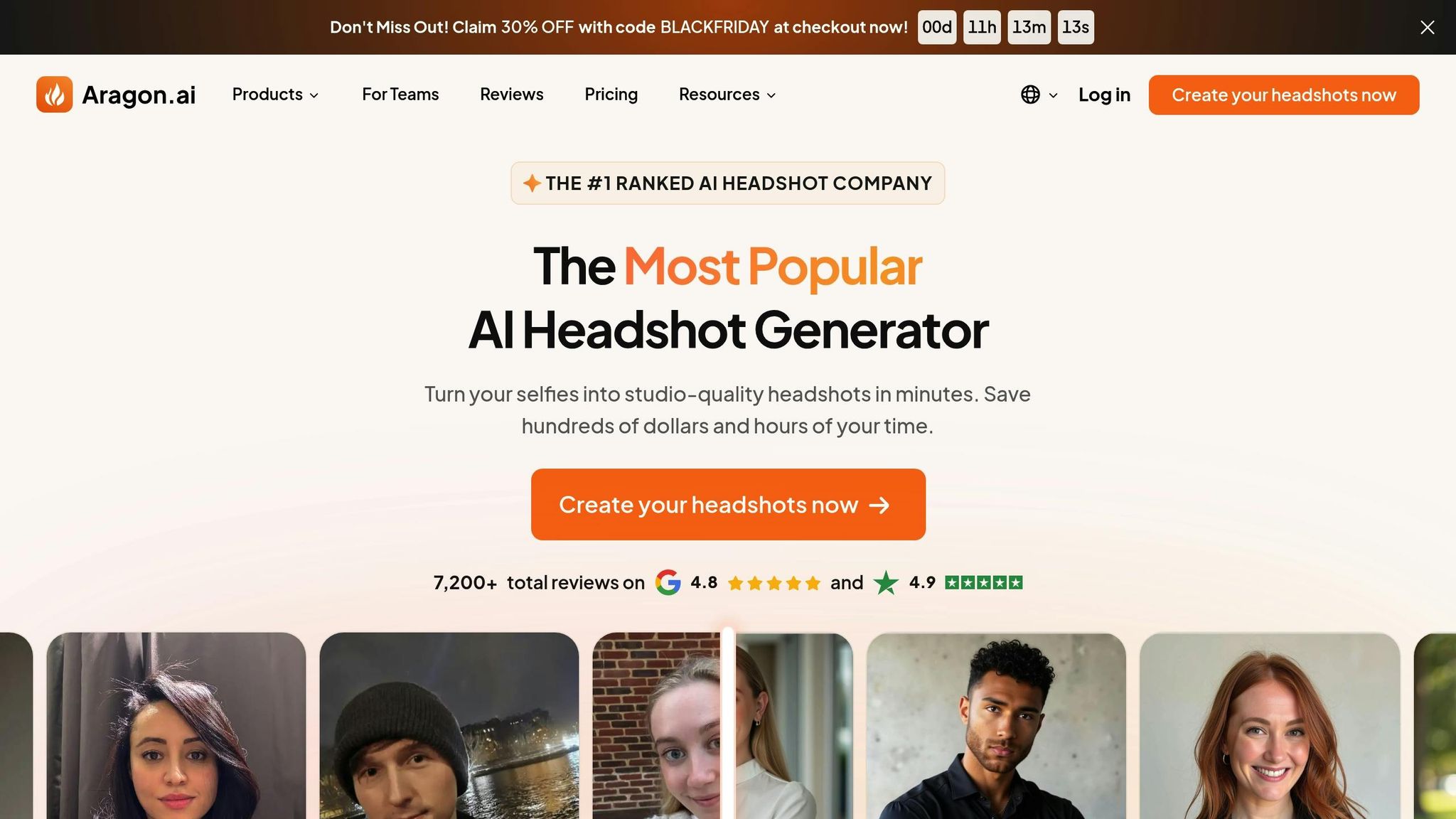
Aragon specializes in creating studio-quality AI-generated headshots tailored for business professionals. These photorealistic portraits are perfect for LinkedIn profiles, corporate websites, resumes, and other professional branding needs.
With over 25 million headshots generated, Aragon touts itself as the "most realistic AI headshot generator ever". Independent testing ranked it among the top four AI headshot tools for delivering realistic and professional results after evaluating over 30 platforms. Reviewers also noted that Aragon produces a higher number of usable photos compared to many competitors.
Photo Upload Requirements
To get started, users must upload at least six images, though 12–20 is recommended for optimal results. These images help the platform ensure quality and refine the generated headshots. During the setup process, users can specify their preferred outfit style - choosing from smart casual, business casual, or business professional - and indicate whether they’d like to include glasses in their photos.
Processing Time
Aragon delivers headshots quickly, with processing times as short as 30 minutes. However, during periods of high demand, it may take up to 90 minutes to complete the process.
Output Quality and Quantity
The $35 starter package includes 20 headshots with five different outfit and background combinations. Higher-tier plans offer more than 40 high-resolution images. While the platform received a quality rating of 3.8/5 in independent testing, users should note that fine details like teeth, eyes, and skin might reveal subtle signs of AI generation. Some headshots may also include the torso.
Since Aragon doesn’t provide post-generation editing, users should carefully select their background and outfit preferences during the initial setup.
Pricing and Plans
Aragon offers tiered pricing plans starting at $12 for the Basic package, $15 for Standard, and $25 for the Executive option. The $35 starter package includes 20 headshots with various outfit and background combinations. If users are unsatisfied, they can request a full refund or a free redo within seven days. Additionally, the platform is browser-based, ensuring compatibility across devices.
Next, we’ll explore another tool to continue comparing headshot solutions.
sbb-itb-50cd79f
6. HeadShotPro

HeadShotPro is a standout platform for businesses looking to streamline professional headshot creation, especially for entire teams or organizations.
Touted as the #1 AI-generated headshot company, HeadShotPro has delivered over 7 million headshots to business professionals around the globe. It focuses on creating studio-quality headshots designed specifically for business use, making it a go-to option for remote teams, startups, and larger corporations aiming for consistent visual branding. After testing more than 30 AI headshot tools, HeadShotPro ranked among the top four for producing realistic and professional results. Its team-oriented approach allows companies to generate headshots for multiple employees at once, ensuring a cohesive look across all departments.
Photo Upload Requirements
To get the best results, users should upload 8–20 selfies per person. The platform accepts selfies in various formats and checks them for quality before processing. For the best outcome, it’s recommended to upload about 12 photos. This number gives the AI enough material to create highly realistic and polished headshots.
Processing Time
HeadShotPro takes approximately 2 hours to generate headshots. This timeline is intentional, as it allows the AI to focus on details like natural lighting, accurate skin tones, and facial features, resulting in incredibly lifelike images.
Pricing and Plans
HeadShotPro offers three pricing options to fit different needs and budgets. The Basic plan starts at $29, the Pro plan is available for $39, and the Executive plan costs $59. Each order is backed by a 100% money-back guarantee, making it a risk-free solution for professionals seeking high-quality, studio-grade headshots without the cost of a traditional photoshoot. This pricing structure is particularly appealing to companies that want a professional, unified look for their teams.
Up next, we’ll review the final tool in this comparison to wrap up our analysis of AI headshot platforms.
7. BetterPic

BetterPic stands out as a top-tier AI headshot generator, highly regarded for its photorealistic and high-quality results. Independent tests confirm that BetterPic transforms selfies into professional-grade headshots, maintaining a striking resemblance to your actual appearance.
What sets BetterPic apart is its unique blend of advanced AI technology and human editing. This combination ensures polished, lifelike headshots, even under challenging conditions like outdoor lighting. It's an ideal choice for professionals looking to elevate their LinkedIn profiles, corporate websites, or portfolios with refined imagery.
Photo Upload Requirements
BetterPic offers a flexible photo upload process to create personalized, professional headshots. The platform uses your uploaded images to build a customized model, capturing your distinct facial features with precision. This approach ensures that the final headshots genuinely reflect your individuality while allowing for advanced customization.
Output Quality and Customization
Users consistently praise BetterPic for delivering highly realistic results. The platform provides extensive customization options, enabling adjustments to clothing and backgrounds to match specific professional needs. Additionally, human editors fine-tune the images, addressing any imperfections that AI alone might miss. The result? Studio-quality headshots that feel both professional and personal.
Pricing and Plans
As a premium tool, BetterPic offers various pricing packages designed to match its high level of customization and the added benefit of human editing. While exact prices aren't disclosed, the service is geared toward professionals who prioritize quality. With flexible styling and background options, BetterPic adapts to a wide range of professional settings, ensuring the final product meets industry expectations while maintaining a personal touch.
Feature Comparison
Finding the right AI headshot tool means weighing factors like speed, output volume, and customization options to create a polished, professional image. Each platform shines in different areas, offering a range of benefits from quick processing to extensive style options. Here's a detailed comparison of seven leading platforms:
| Tool | Min. Photo Uploads | Processing Speed | Output Volume | Starting Price | Pricing Model | Customization |
|---|---|---|---|---|---|---|
| Pingram.ai | 8–10 | 4–8 minutes* | 60–2,880 photos | $8.99 | Weekly/Yearly subscription | Yes – 35+ packages, built-in editor |
| MyEdit | 1 | ~10 minutes | Multiple | Free | Free tier; Pro+ $8.99/month | Limited |
| YouCam Online Editor | Varies | Moderate | Multiple | $12 | One-time payment | Yes – 70+ styles |
| Canva | Varies | Moderate | Multiple | Varies | Subscription | Yes – extensive design tools |
| Aragon | 12–20 | Moderate | 40+ | $12 | One-time payment | Yes – creative styles |
| HeadShotPro | 8–20 | ~70 minutes | 120+ | $29 | One-time payment | Yes – 20–40 styles |
| BetterPic | Varies | <60 minutes | Varies | $35 | One-time payment | Yes – with human editing included |
*For Pingram.ai, training time is 8 minutes on the weekly plan and 4 minutes on the yearly plan. Once trained, individual headshots are generated in 5–15 seconds.
Processing Speed
Speed is a key differentiator among these tools. Pingram.ai stands out for generating headshots in just 5–15 seconds after model training. MyEdit delivers results in about 10 minutes, while HeadShotPro takes approximately 70 minutes. Other platforms, like YouCam Online Editor, Canva, Aragon, and BetterPic, offer moderate speeds, balancing faster turnaround with customization features. Faster tools often compromise on customization, while slower ones may provide more refined results.
Upload Requirements
Photo upload requirements vary significantly. MyEdit allows a single photo upload, making it a quick-start option. At the other end, Aragon and HeadShotPro request 12–20 images for better model training. Pingram.ai recommends 8–10 high-quality selfies with varied angles, lighting, and expressions to achieve optimal results. Platforms like YouCam Online Editor, Canva, and BetterPic have more flexible requirements, making them adaptable to different user needs. Fewer uploads mean faster setup, while more photos enable sophisticated AI training for better customization.
Output Volume
Output volume is another important consideration. HeadShotPro delivers over 120 headshots per session, ideal for users prioritizing bulk results. Pingram.ai offers 60 headshots on its weekly plan and up to 2,880 on its yearly plan, perfect for those needing a steady stream of images. Meanwhile, Aragon provides 40+ high-resolution headshots, catering to users who value quality over quantity.
Pricing Models
Pricing options are split between subscriptions and one-time payments. Subscription models, like Pingram.ai ($8.99 per week or $44.99 per year) and MyEdit (free tier or Pro+ at $8.99/month), offer ongoing access and updates. One-time payment options include Aragon ($12–$25), YouCam Online Editor ($12–$25), HeadShotPro ($29–$59), and BetterPic ($35–$79). Subscriptions are better suited for professionals needing frequent updates, while one-time payments work well for occasional users.
Customization Capabilities
Customization ranges from basic to extensive. MyEdit offers limited options, while Pingram.ai provides 35+ packages and a built-in editor for adjusting lighting, colors, and clothing styles. YouCam Online Editor boasts over 70 styles, and Canva adds extensive design tools for further personalization. BetterPic combines AI with human editing, resulting in lifelike, polished images.
Quality Ratings
Quality is a top priority for many users. HeadShotPro is praised for its photorealistic results, earning a 5 out of 5 rating. BetterPic also excels in producing polished and lifelike images. Mid-range tools often strike a balance between quality and efficiency, making them reliable choices for professional use.
Team-Focused Features
For businesses, team-oriented features can be a game-changer. HeadShotPro supports team workflows by generating consistent headshots for multiple employees, offering tools like automatic filtering for lighting issues and LinkedIn-ready previews. Pingram.ai enables multiple avatars from different selfie sets, making it a practical choice for families or small teams sharing a subscription.
Commercial Usage Rights
Commercial usage rights vary. Pingram.ai grants full rights for business, marketing, or client use without restrictions. Always confirm usage rights before using images commercially.
Summary
Choosing the right tool means considering speed, upload requirements, output volume, pricing, customization, and team features. Each platform has its strengths, so weigh these factors to find the best fit for your needs.
Conclusion
When selecting an AI headshot tool, focus on what matters most to you - whether it's budget, speed, customization options, or output volume.
For budget-friendly options, tools with affordable plans or flexible subscriptions are ideal. For example, Pingram.ai offers a weekly plan at $8.99, delivering 60 headshots across 35+ styles, making it a solid choice for cost-conscious users.
If speed is your priority, opt for a tool with fast processing times. Pingram.ai, for instance, generates headshots in just 5–15 seconds after model training, while some platforms may take up to 70 minutes to produce higher-quality, photorealistic images.
Customization features also vary widely. Tools like Pingram.ai, YouCam Online Editor, and BetterPic provide options for detailed styling and editing. BetterPic even combines AI with human editing for a more refined result, which is perfect if you’re aiming for a polished, brand-aligned look.
For those needing high output volume, Pingram.ai's yearly plan is a standout, offering up to 2,880 photos annually. This is especially useful for professionals who frequently refresh their profiles or require a variety of headshots.
If you’re choosing a tool for team or business purposes, focus on features like commercial usage rights and batch processing. Pingram.ai, for example, provides unrestricted commercial rights, making it a great fit for marketing materials, client-facing presentations, or company websites.
Ultimately, the right tool depends on your specific needs. For affordable and fast results with plenty of customization, Pingram.ai's subscription plans are a strong contender. On the other hand, if photorealism is your top priority, HeadShotPro may be a better fit. Prefer a human touch? BetterPic’s hybrid approach might suit you best.
With many platforms offering satisfaction guarantees or money-back policies, you can test these tools risk-free. Thanks to advancements in AI, professional-quality headshots are now accessible at a range of price points and feature levels, making it easier than ever to find a solution that works for you.
FAQs
How do AI tools create realistic and professional headshots?
AI tools such as Pingram.ai leverage cutting-edge algorithms to transform your selfies into stunning, photorealistic portraits. These tools focus on refining facial features, adjusting lighting, and applying professional-level edits to deliver images that are both polished and natural-looking.
With options to customize styles and backgrounds, they allow you to create personalized headshots that cater to a variety of personal or professional purposes - all while achieving a finish that rivals studio photography.
What should I look for in an AI tool to create professional headshots for myself or my team?
When selecting an AI tool for professional headshots, it's essential to weigh a few critical factors to get the best results. Prioritize tools that deliver high-quality, photorealistic images and offer customization options such as adjustable styles, backgrounds, and lighting to suit your specific needs. A user-friendly interface can also make a big difference - intuitive tools or those with guided workflows can save you time and effort.
Pricing is another key consideration, especially if you're working within a budget or managing team projects. Features like AI model training and high-resolution downloads can be particularly valuable, whether you're using the tool for personal branding or commercial purposes.
What should I know about privacy and data security when using AI tools to create professional headshots?
When using AI tools such as Pingram.ai to generate professional headshots, concerns about privacy and data security are completely understandable. Pingram.ai prioritizes the protection of your information and offers a transparent privacy policy that explains how your data is managed.
Any photos or personal details you upload are processed securely, with a strict focus on using them solely to create your headshots. To feel more at ease, you can explore their privacy practices to see exactly how your data is safeguarded.